

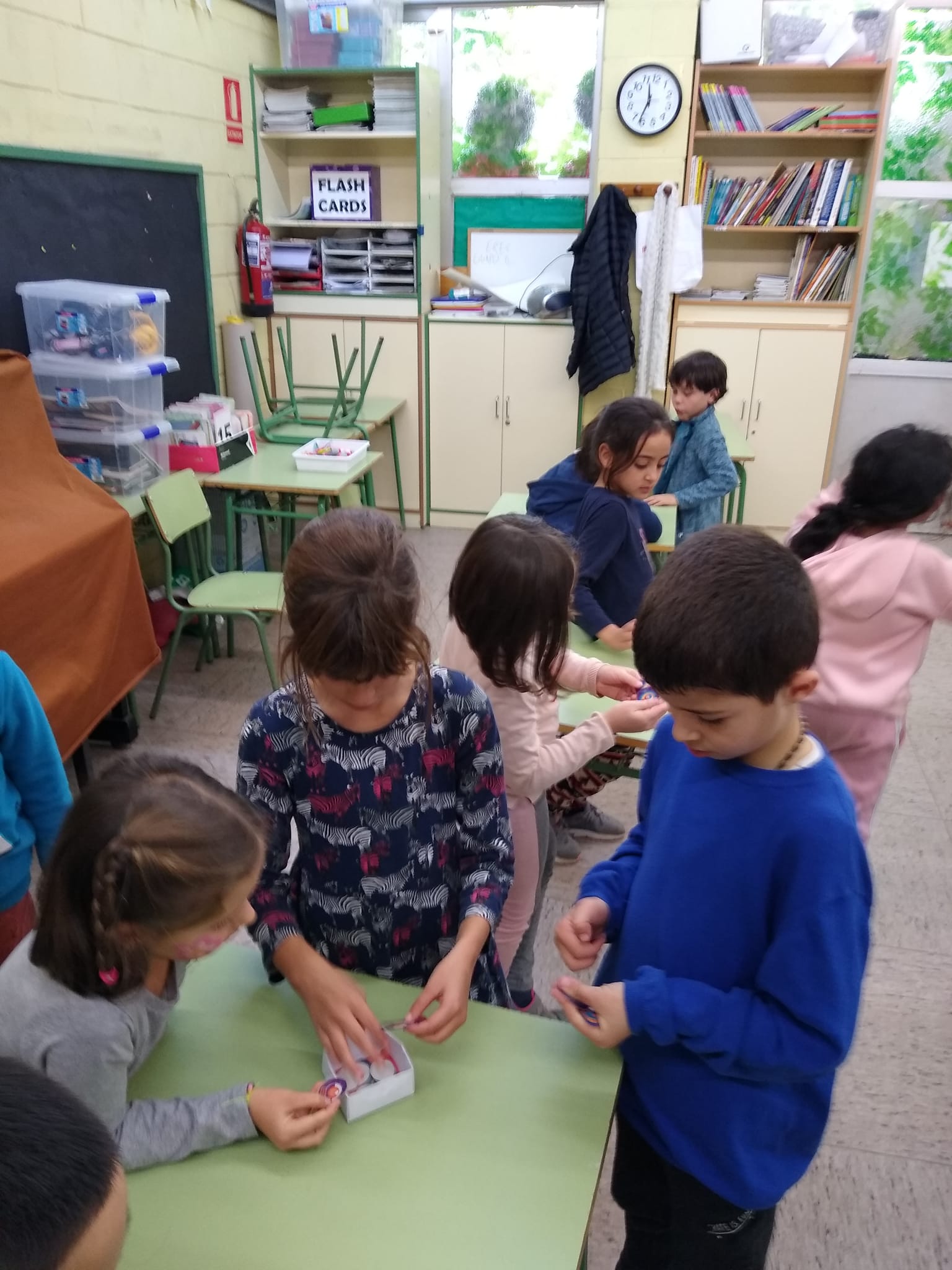
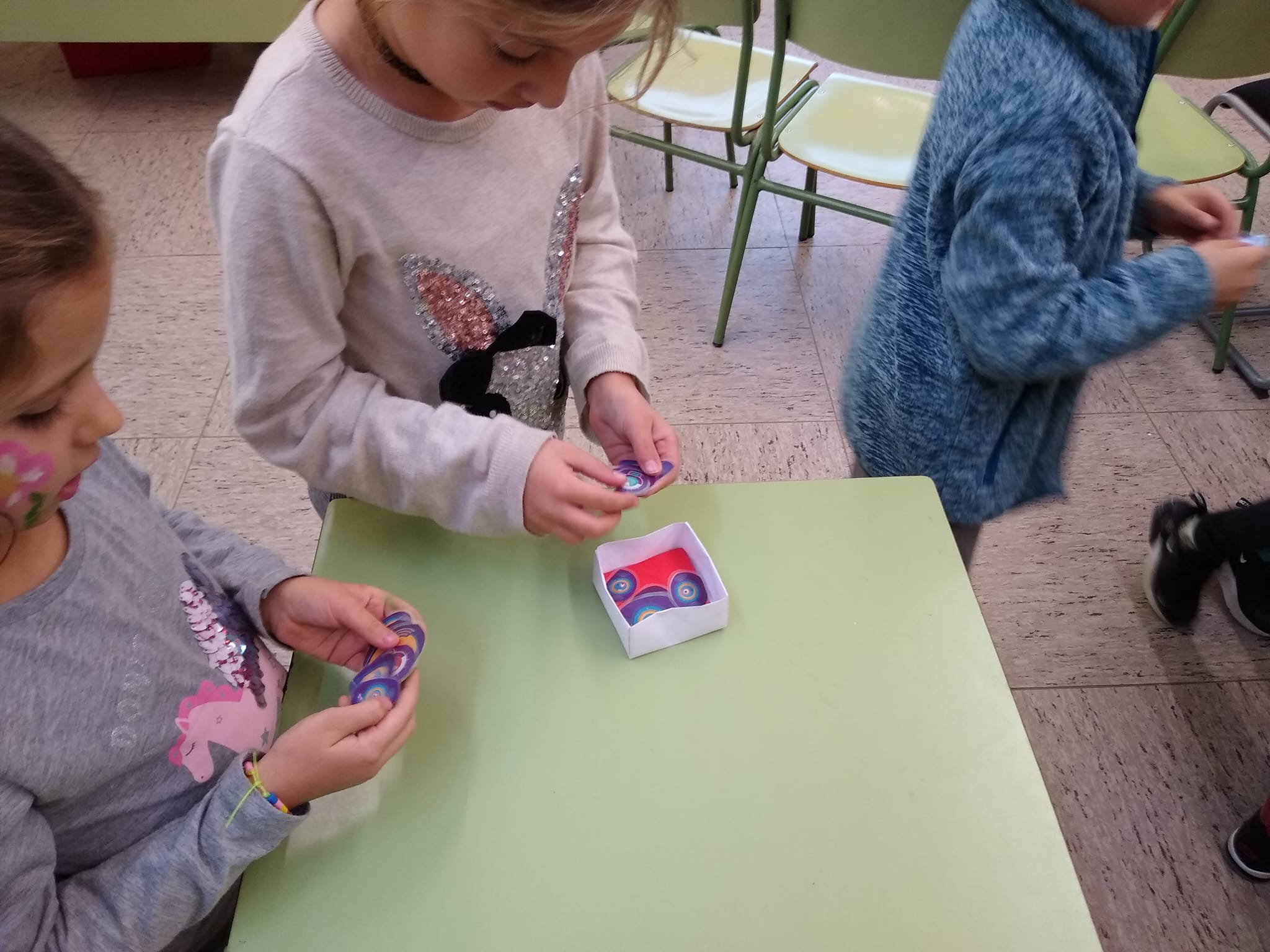
This week we are focusing on the ‘cicle inicial ambient’ in English called ‘Let’s Program’.
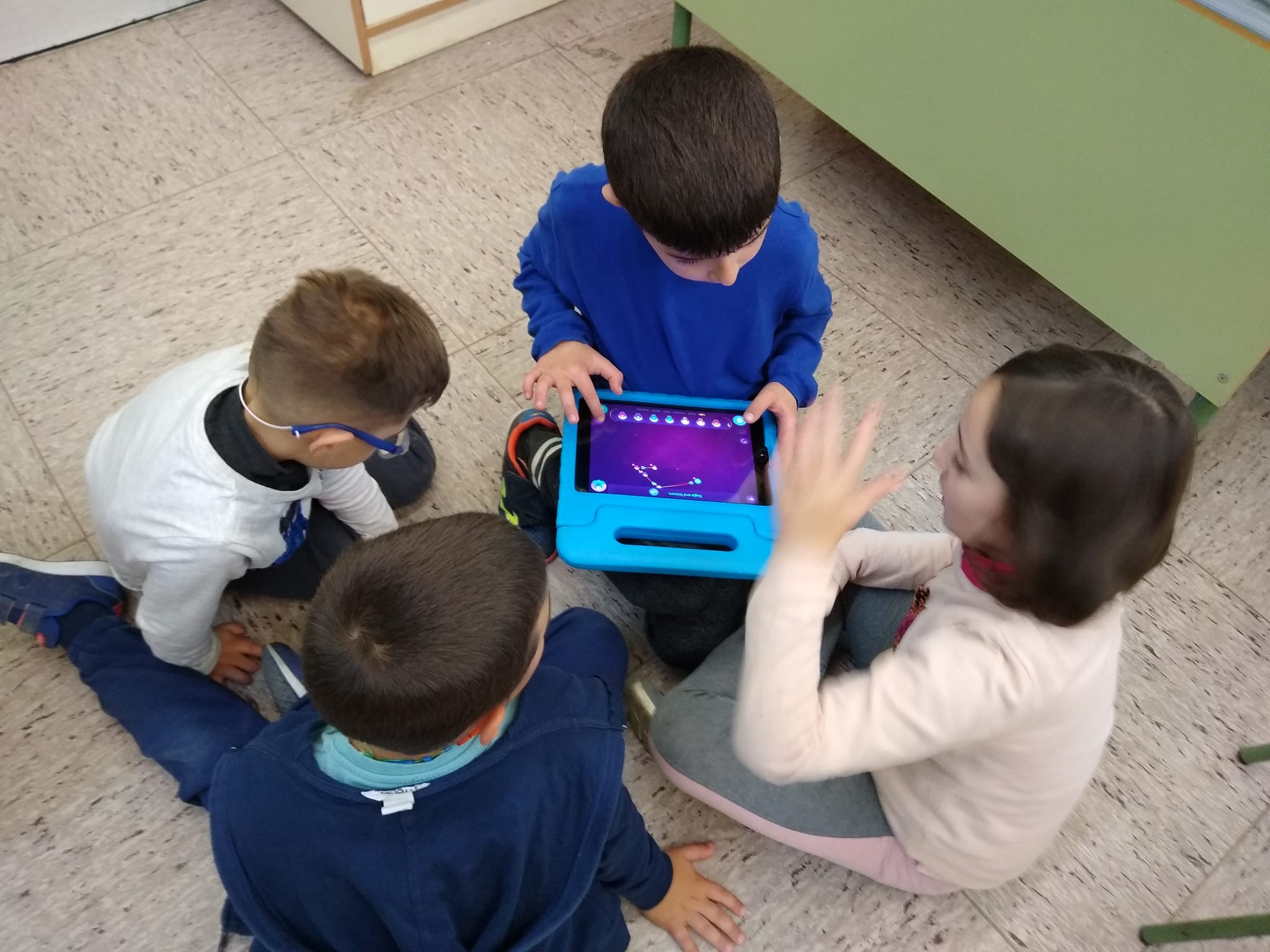
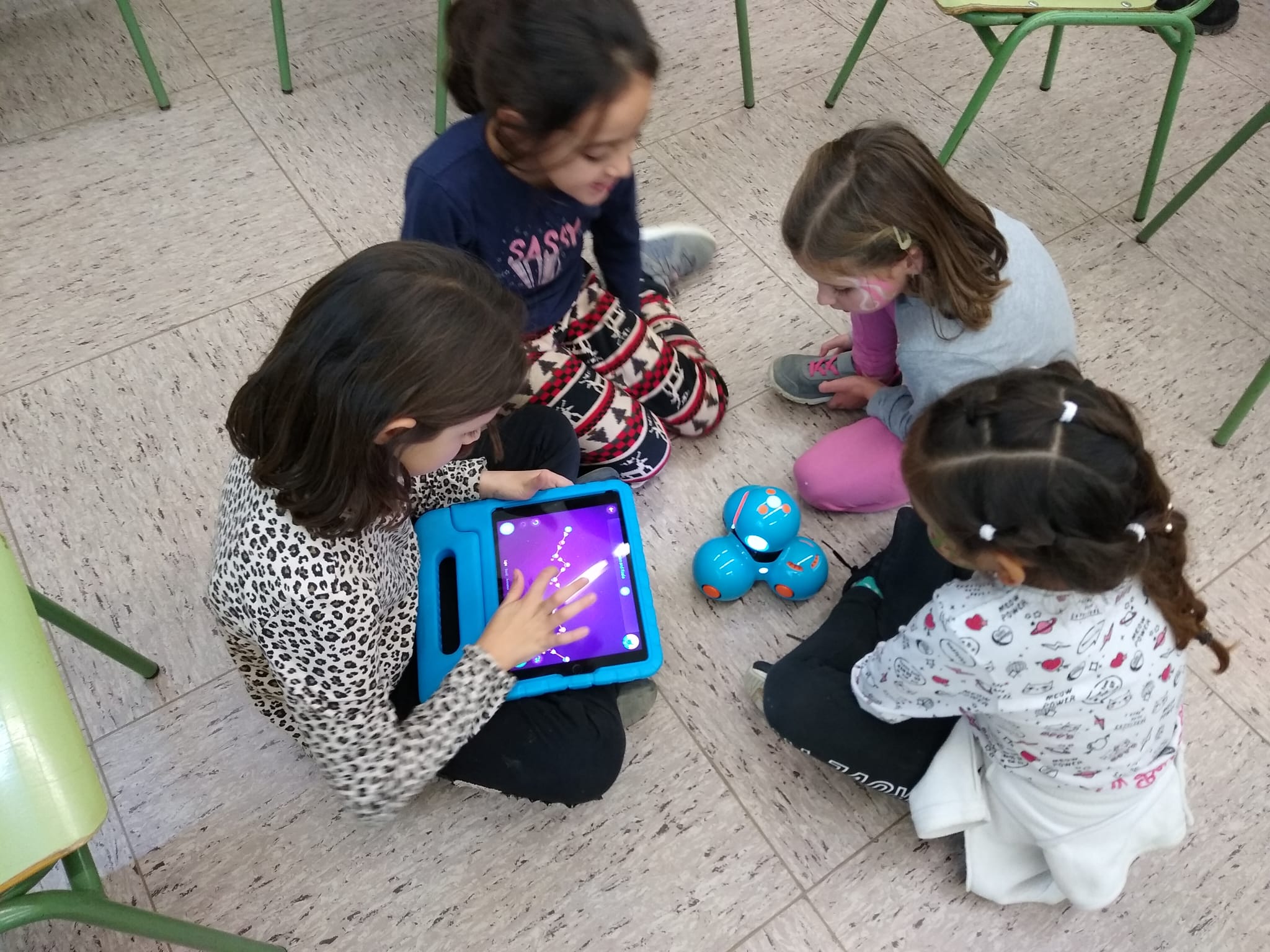
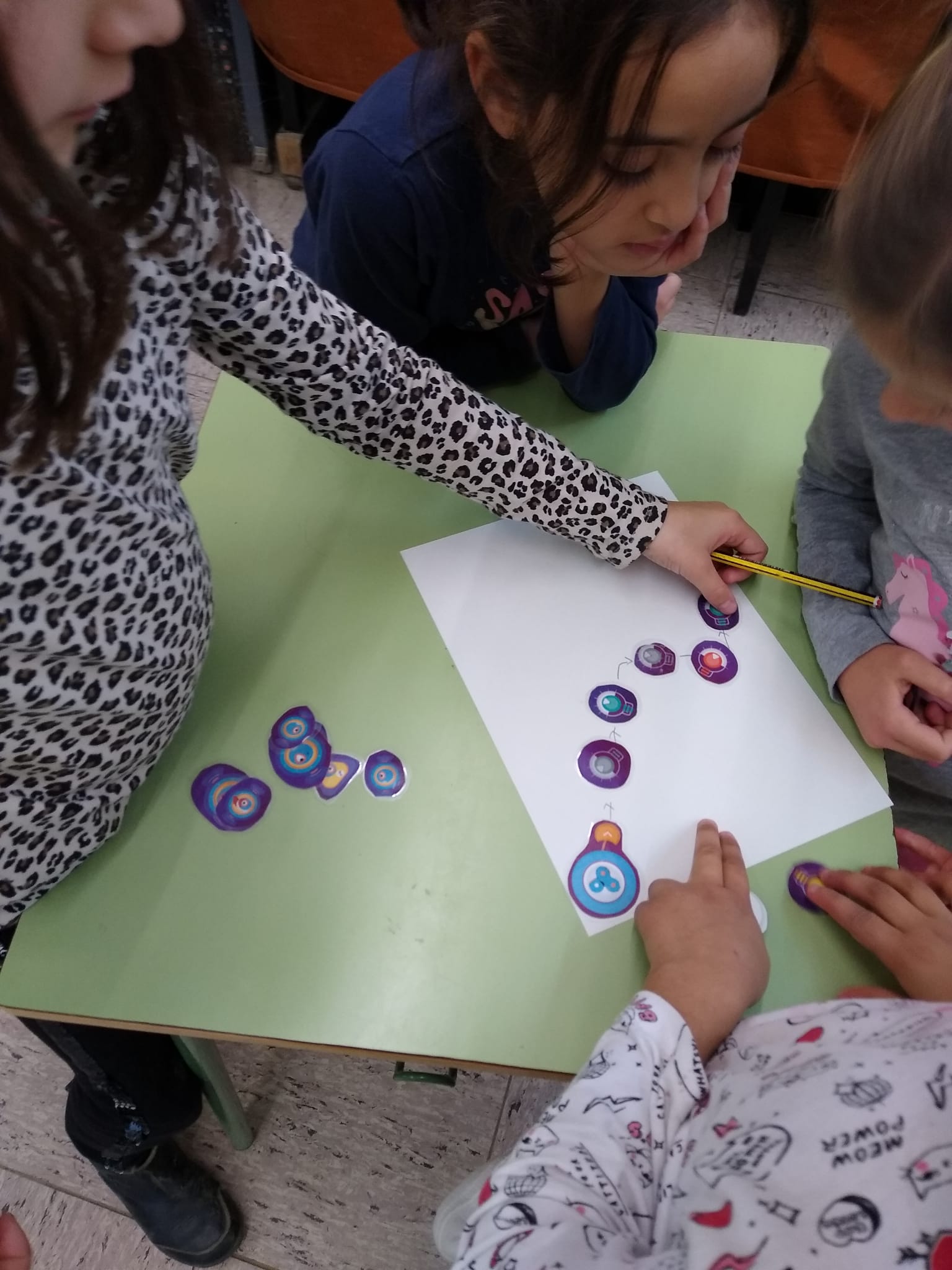
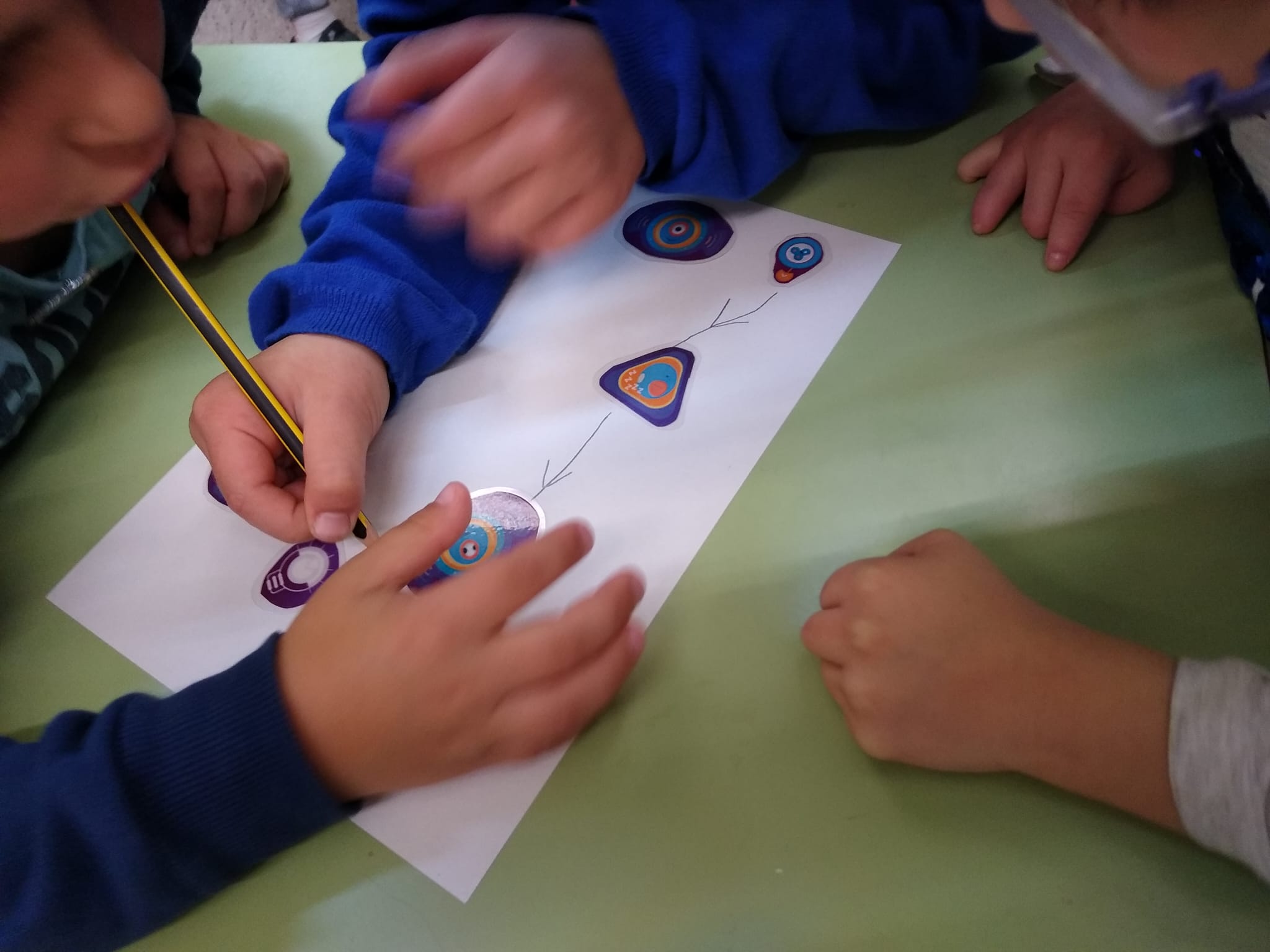
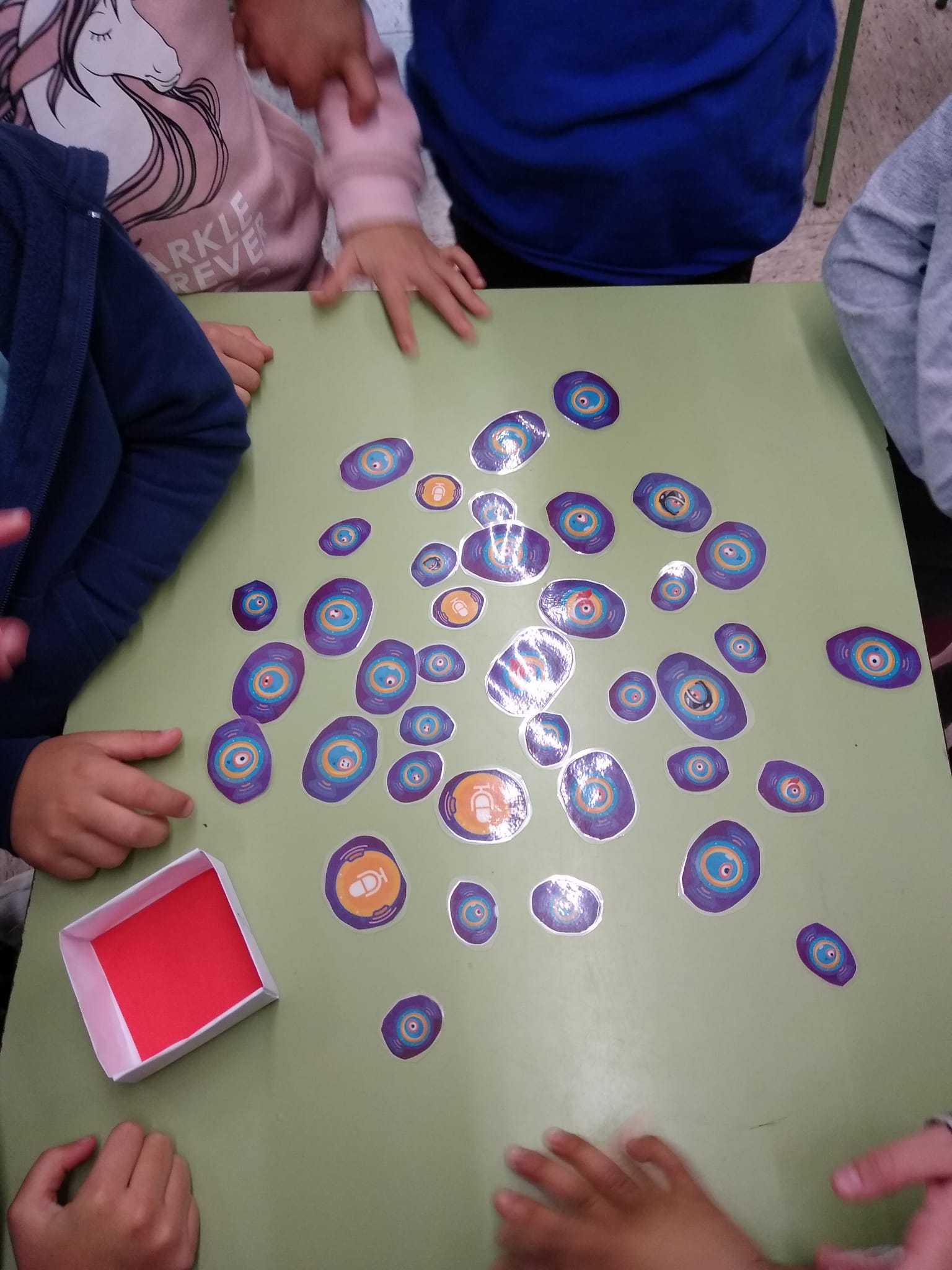
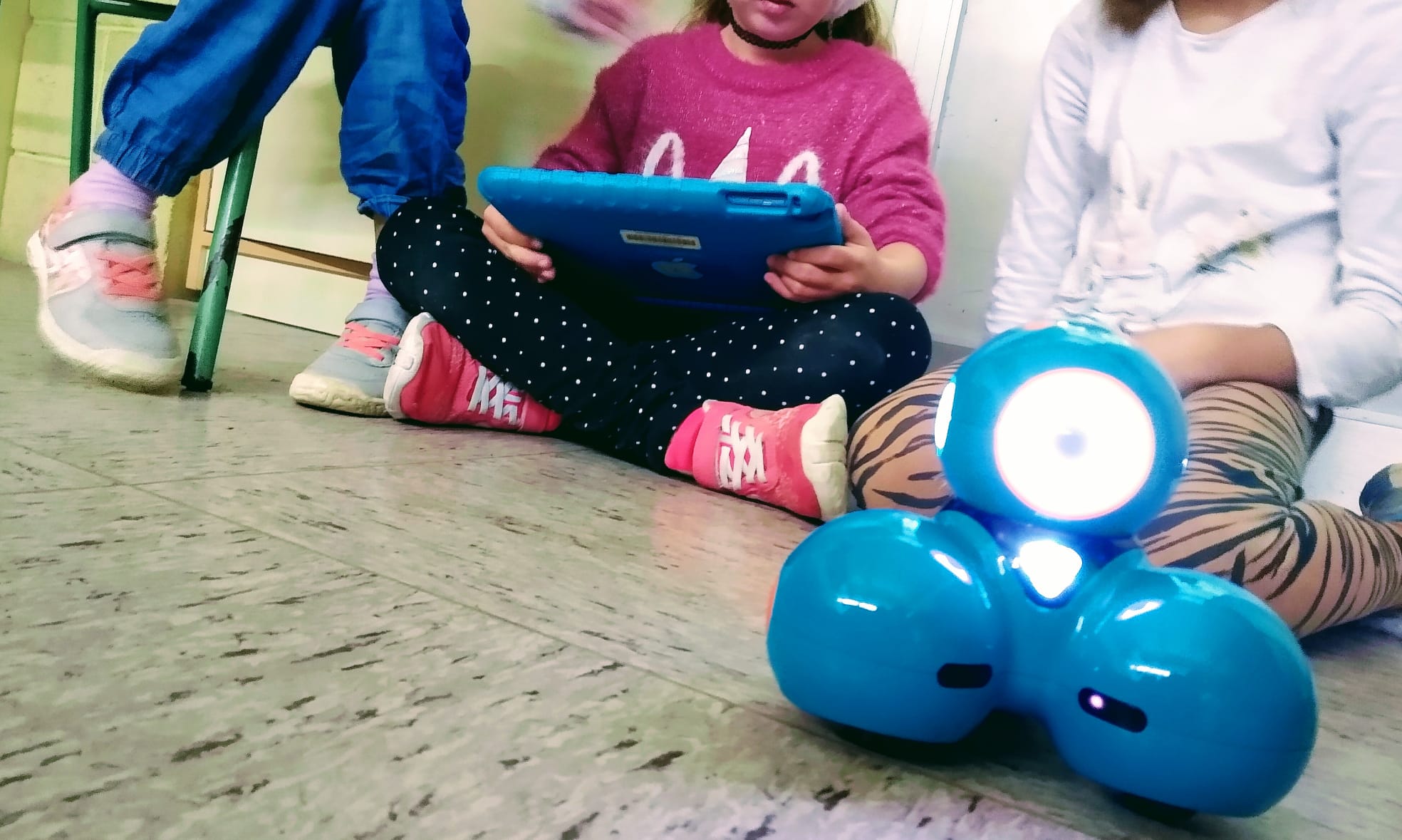
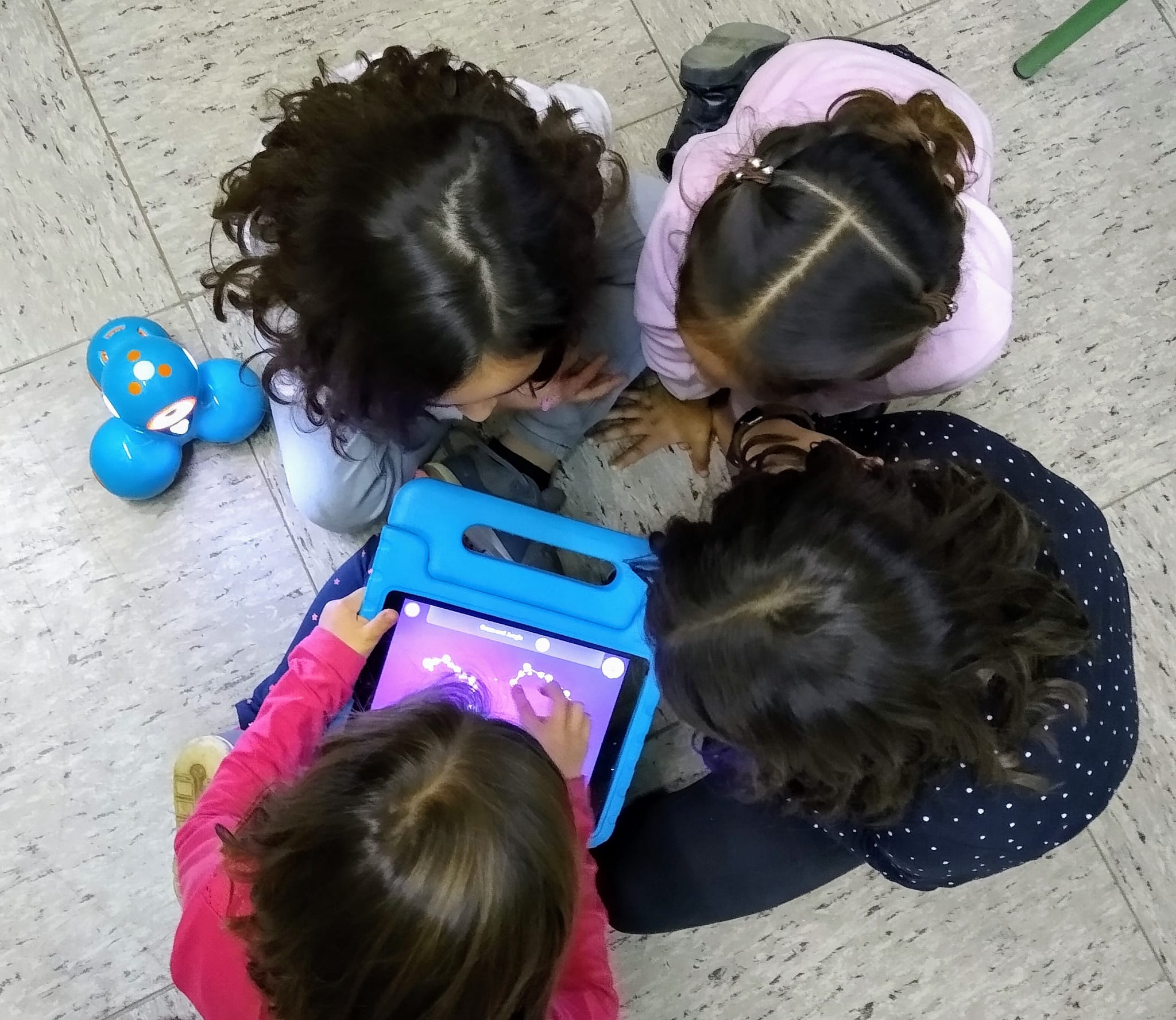
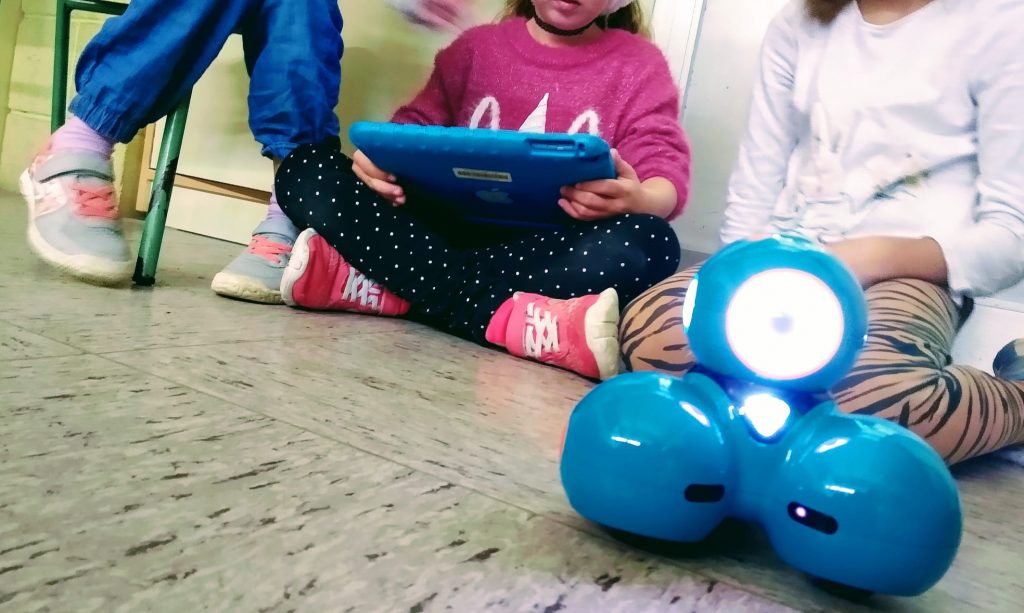
In this ‘ambient’ we contrast both the use of a remote control function to move our robot, Dash, as well as programming with the help of the icons on the ‘Wonder’ app on our iPads. In this way we see the difference between using Dash as just a toy and programming it to do work for us more autonomously like a robot does.
On the first day we imagine we want to celebrate the 40th Birthday of La Farigola School with a party and so we program Dash to be a kind of disco ball by changing its coloured lights. We also add happy party sounds to the program. On the second day Dash decides he wants to join in the dancing and we experiment with the moviment and animation icons. We observe that our programs need a circular pattern to keep the robot dancing. On the last day we turn Dash into our group pet by changing the cues, for exemple, to speak, clap or push a button, to make the robot move and make animal sounds.
Aquesta setmana ens fixem en l’ambient de Cicle Inicial de llengua anglesa, ‘Let’s Program’. En aquest ambient contrastem tant l’ús del comandament a distància per controlar el nostre robot, Dash, com a programar amb l’ajuda de les icones en l’aplicació ‘Wonder’. D’aquesta manera podem veure la diferència entre fer servir el Dash com una simple joguina i la seva programació perquè treballi més autònomament, com fa un robot.
El primer dia imaginem que volem celebrar el 40 aniversari de l’Escola La Farigola del Clot amb una festa i per tant programem el Dash perquè actuï com una espècie de bola de discoteca tot canviant de colors de llum. El segon dia Dash decideix que vol afegir-se al ball i experimentem amb les icones de moviment i animació. També observem que als nostres programes necessitem una forma circular (un bucle) per fer que el Dash no pari de ballar. L’últim dia convertim el Dash en una mascota tot canviant els ‘cues’, perquè es mogui o faci sons d’animal quan parlem, piquem de mans o premem un botó.