



Welcome to the mTiny Art Studio, first part of a series of articles on learning centres, where students turn their mTiny robot into a drawing machine! Here, they will learn how to program mTiny to create amazing pictures using markers and the tap tiles.
What They Will Learn:
- How to use tap tiles to make mTiny move in straight lines and turn.
- How to plan a drawing and turn it into a set of instructions for mTiny.
- How to experiment with different paths and create unique artwork.
What They will Need:
- An mTiny robot and tap tiles.
- A big paper.
- And colourful markers that fit in mTiny’s pen holder.
Let’s Create Some Robot Art!
Here’s how students will make their drawings:
-
Plan the Drawing: First, they will think about what they want mTiny to draw. Maybe a square, a triangle, or a wiggly line! They can even draw a simple picture first to help them plan.
-
Code the Path: Now, they will use the tap tiles to tell mTiny how to move. “Forward” makes mTiny go straight. “Turn Right” and “Turn Left” make it turn. They put the tiles together to create a path for mTiny to follow.
-
Watch mTiny Draw: They put a marker in mTiny’s pen holder and place it on the paper. Then, they press the start button and watch mTiny draw their picture!
-
Check the Drawing: Did mTiny draw what they planned? If not, they can change the tap tiles and try again. That’s how students learn!
Fun Challenges:
- Challenge for beginners: They can draw a square using only forward and turn tiles.
- Challenge for intermediate students: They can draw a triangle or a rectangle.
- Challenge for advanced students: They can draw a star or a simple picture with different shapes.
Planning the drawing 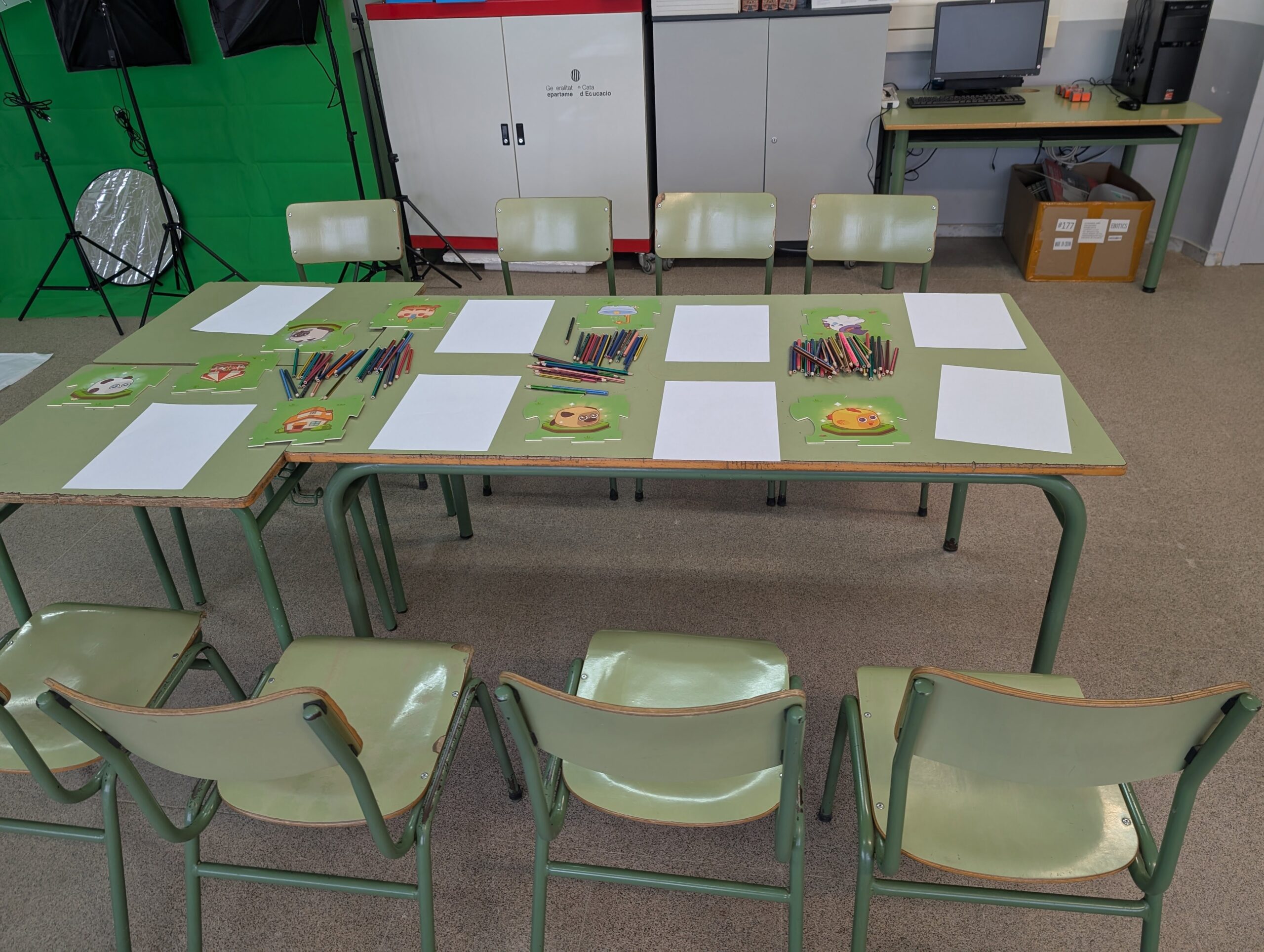 ——>
——>  Watching the drawing
The mTiny Art Studio is a fun way to learn about coding and create amazing art at the same time!
STAY TUNED FOR UPCOMING ARTICLES ON mTINY LEARNING CENTRES!