



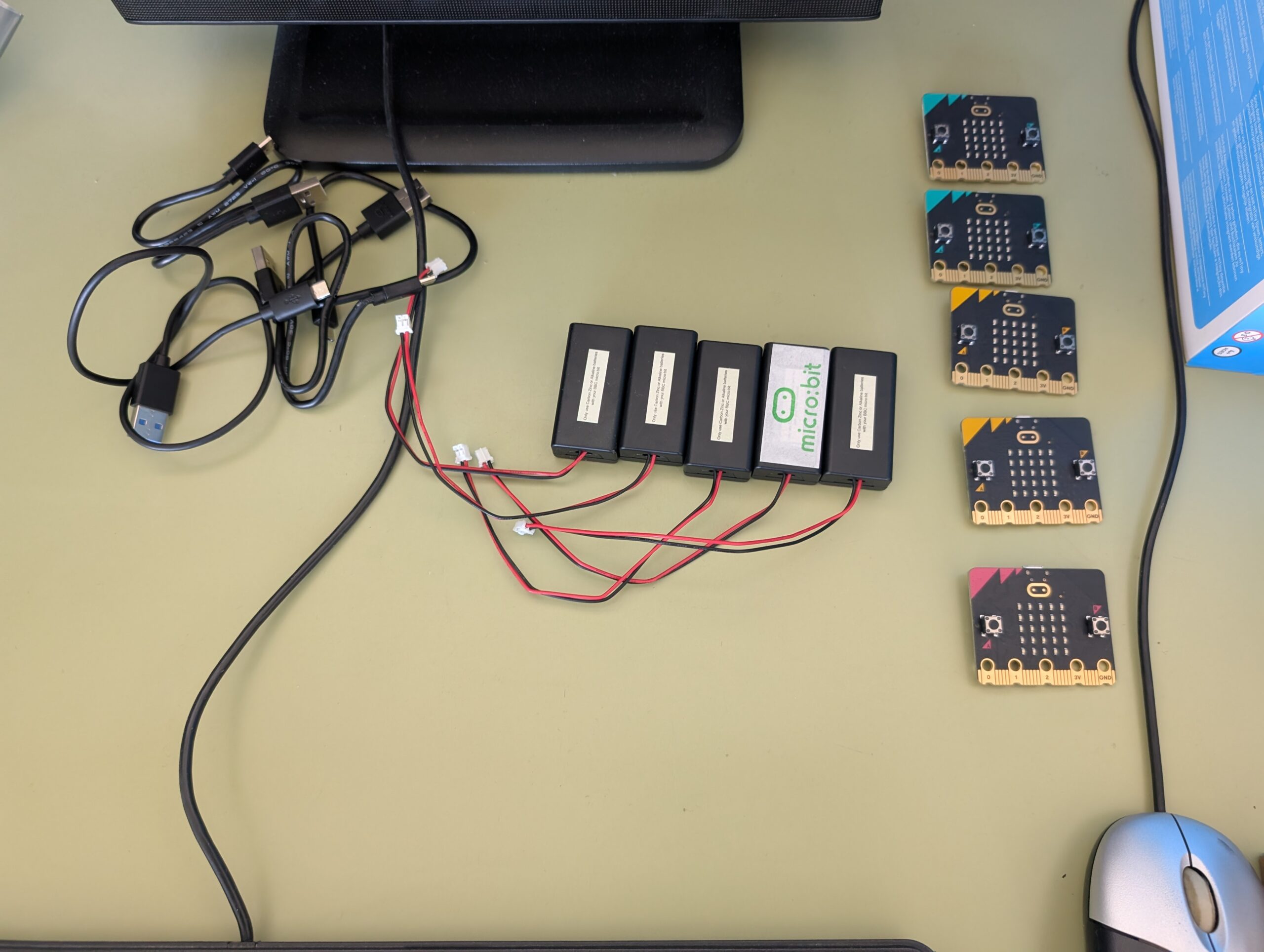
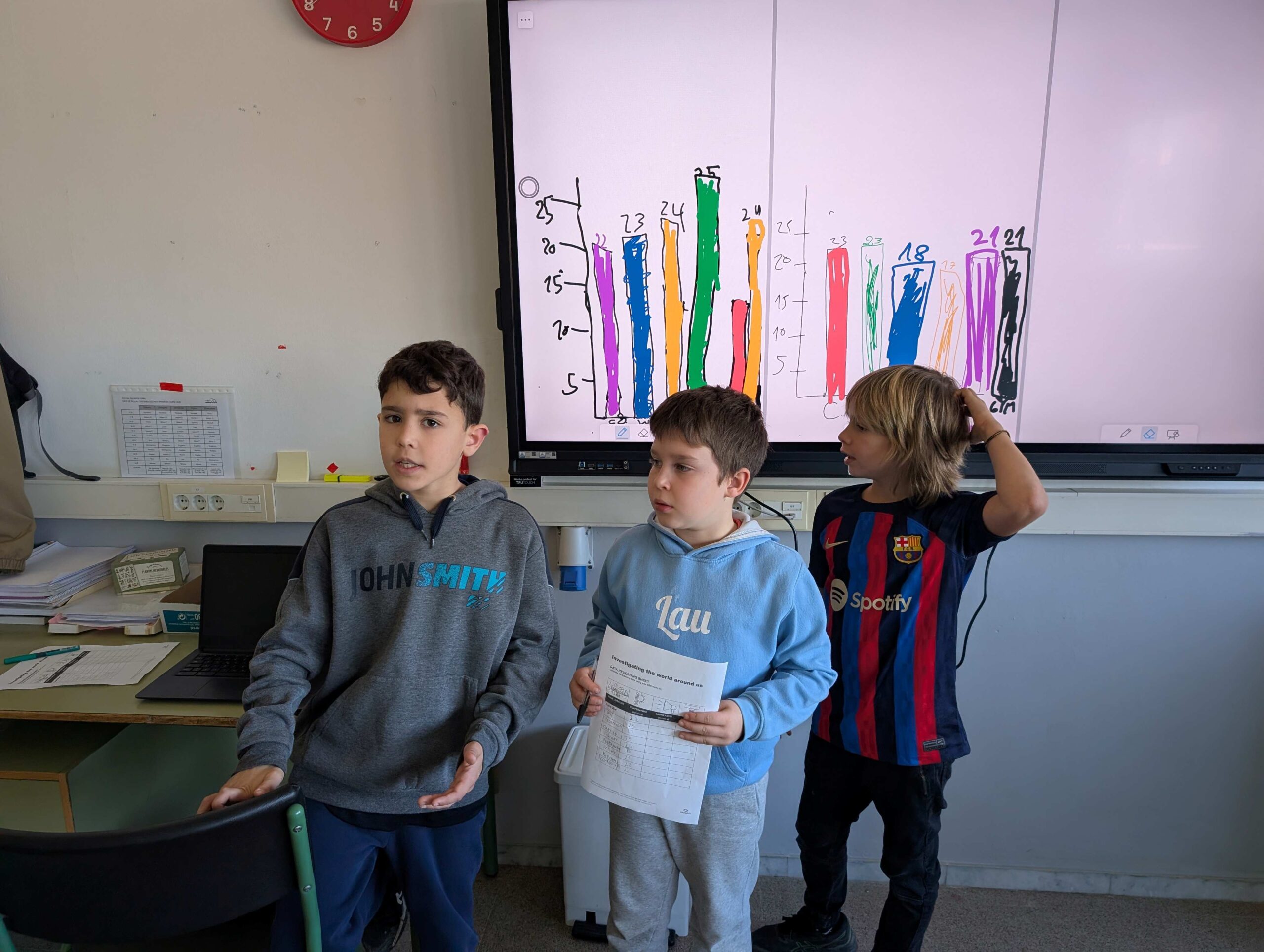
A few weeks ago, I presented a weather station project that 4th grade students are carrying out, using micro:bit boards, and the block-based coding powered by Makecode. In this hands-on project, students are learning to code and collect real-time weather data. As practice makes perfect, students are engaging in various tasks before building the weather station, such as tracking the temperature in various locations around the school, collecting data, charting the results, and coding the micro:bit. To start with, they collected data on the temperature.
Here’s how the task worked:
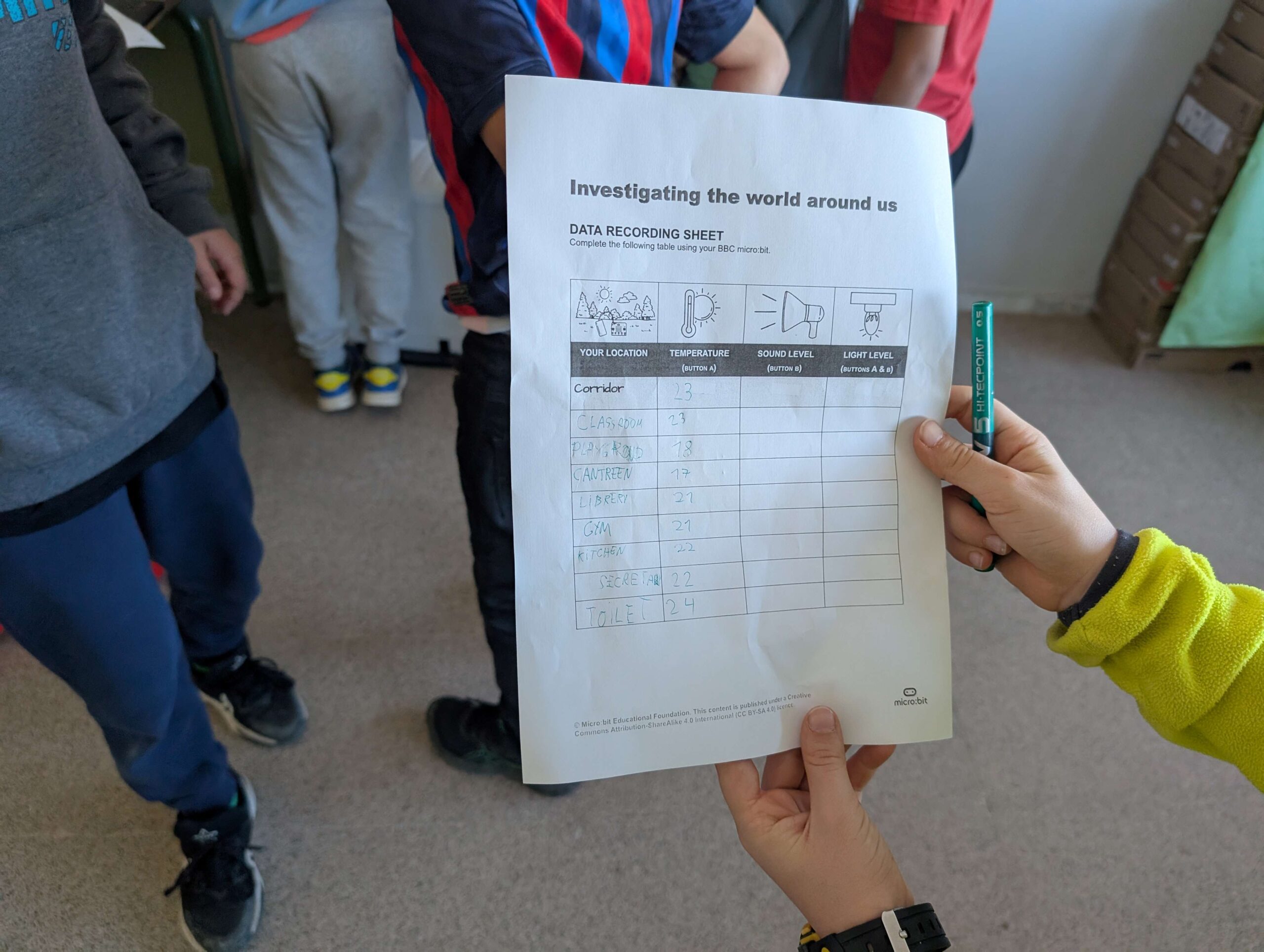
- Students began to monitor the temperature in various locations around the school (e.g. the classroom, the library, the playground, and even the school garden).
- Armed with their record sheets, they recorded the temperature readings at each location.
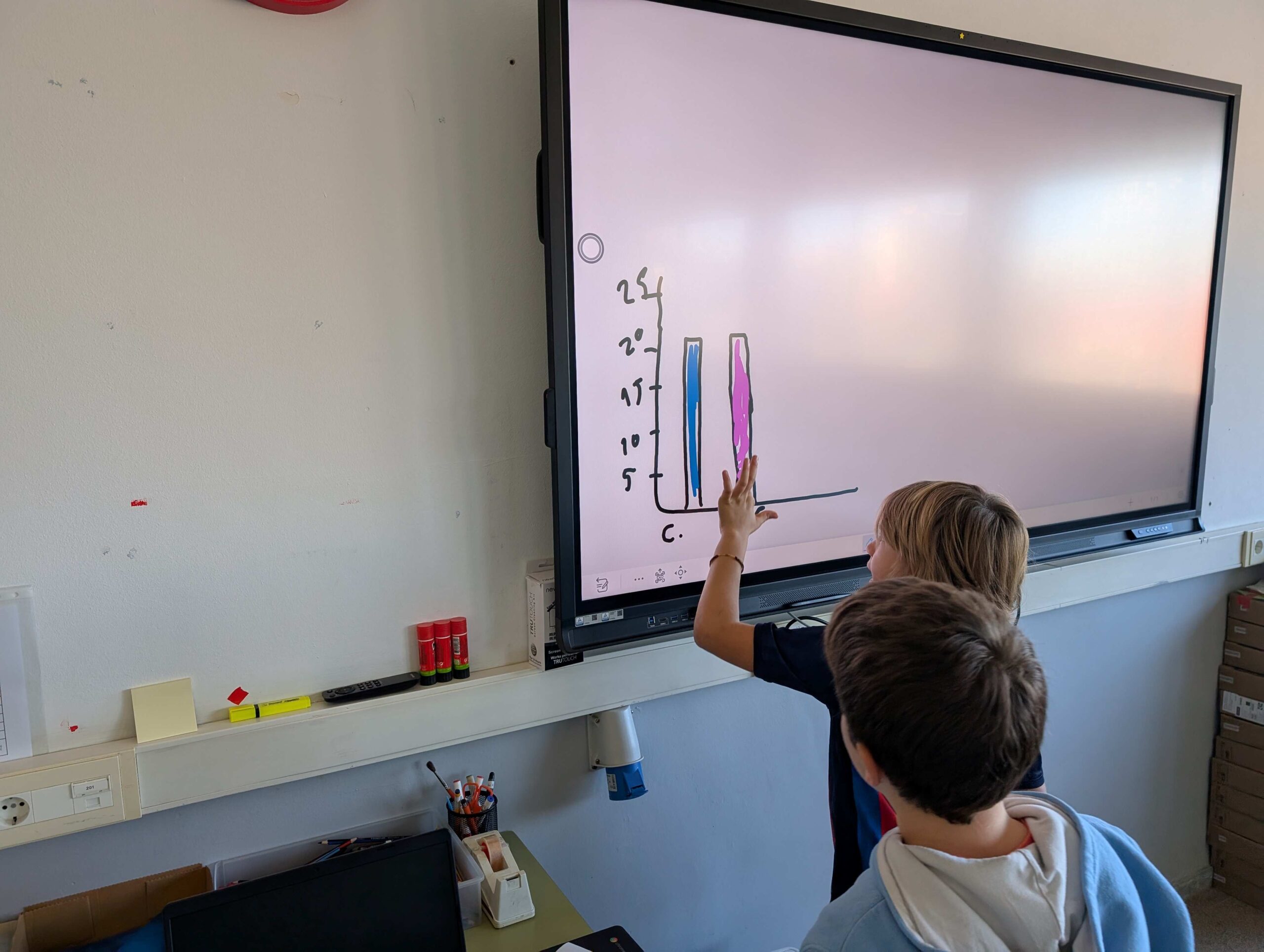
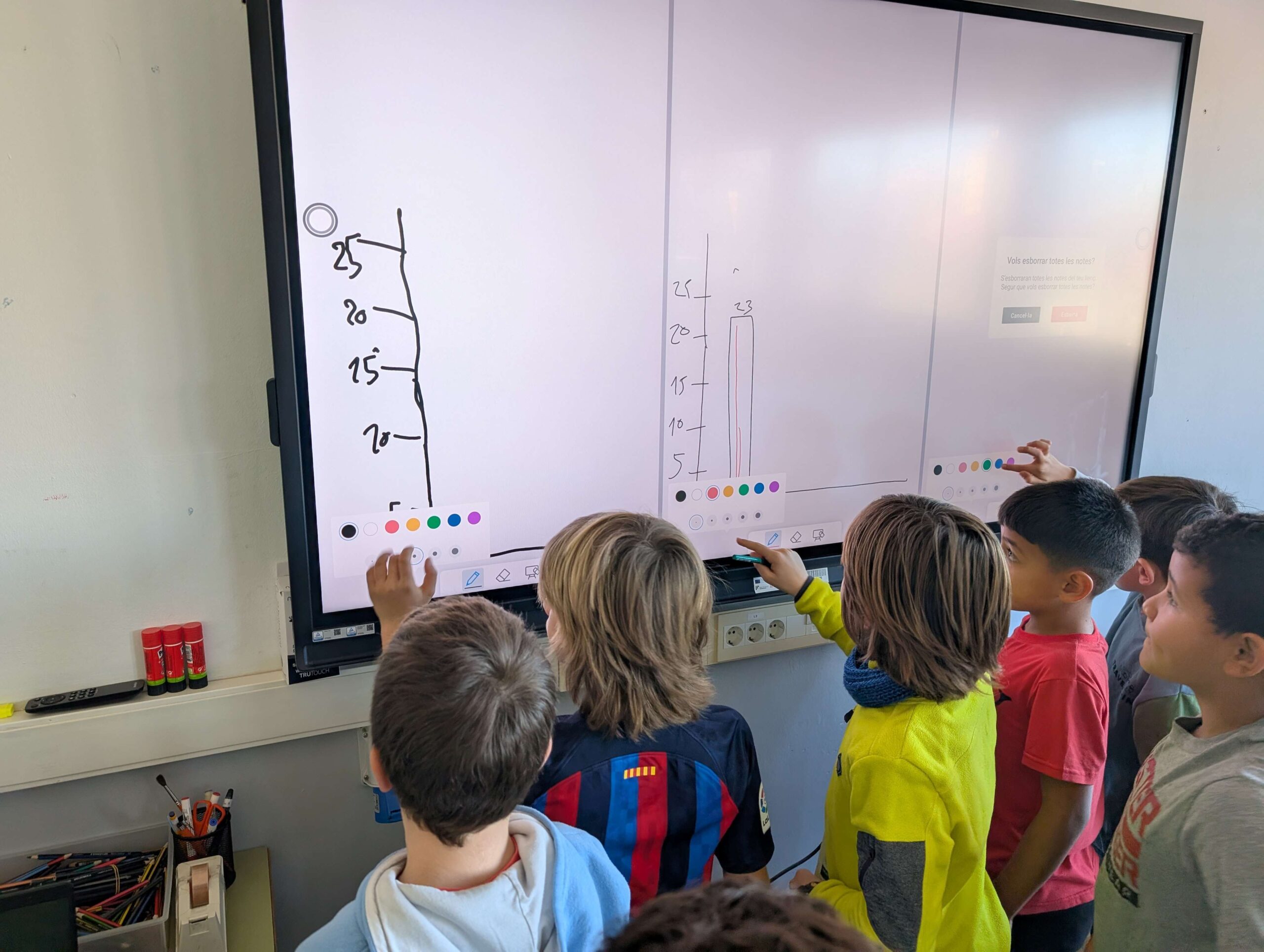
- Using their collected data, they created bar graphs to visually represent the temperature variations across different parts of the school.
- But before all that fun, they wrote code to:
- Read the temperature: The micro:bit has a built-in temperature sensor, allowing students to gather the temperature of the microcontroller itself, not the surrounding air, so a calibration is needed. A better option is to use an external temperature sensor (such as the DHT11, DHT22, or DS18B20). These sensors are specifically designed to measure air temperature more reliably.
- Display the data: Students programmed the micro:bit to display the current temperature on its LED screen.
This micro:bit weather station project is a fantastic opportunity for our students to learn about coding, science, and the environment all at once!
More advanced students will learn to program the micro:bit to wirelessly transmit temperature data to a computer, but that will happen after Xmas.
Stay tuned for updates on our students’ progress!