Working Plan
- We add sound from the gallery
- Let’s record the sound
- Let’s add sound from a file
- Let’s create music
Let’s add sounds to the project
 Step by step
- Sign in and create a new project called m1repte81
- Pay attention to the cartoons. Apart from scripts and costumes they can also have sounds. Some cartoons from the gallery already have a sound:
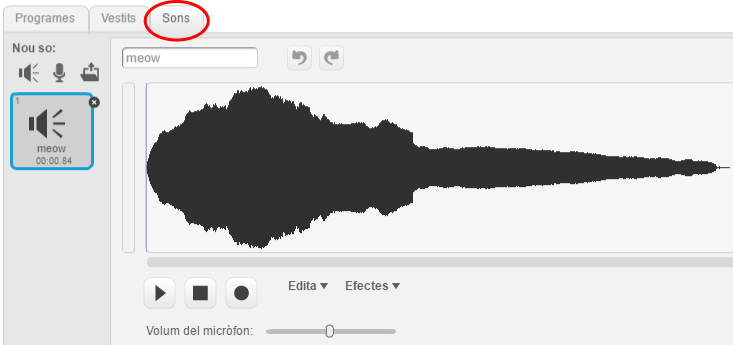
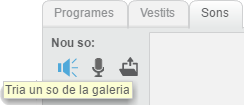
- We can add sounds to the cartoons and to the scene. The first way to do it, is choosing a sounf from the gallery:
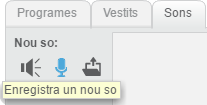
- We can also add a sound recording our voice. We need a microphone to do it:
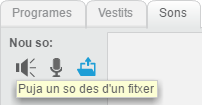
- Finally, we can add a sound from a file in our computer:
Let’s use the sounds
Step by step
- Let’s go on working on the project m1repte81
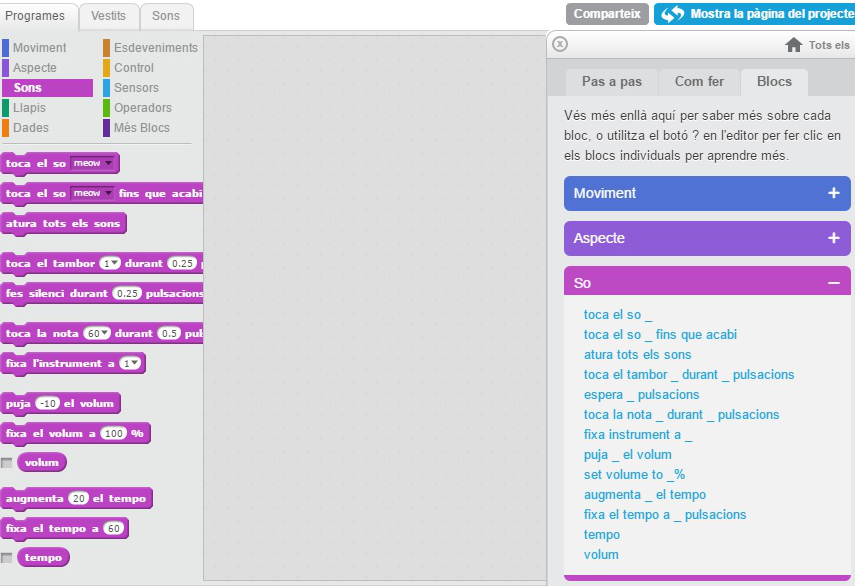
- This is the category sound.
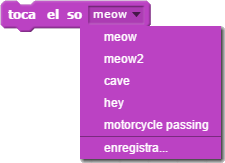
- The cartoon will make a sound this way:


- Important: every cartoon has its own sounds. We cannot make a cartoon emit the sound from another cartoon.

Let’s go on working on the project m1repte81 and you must create two cartoons, for example, a cat and a dog and make them have a dialogue with sounds. The cat and the dog cannot talk at the same time.
Let’s create music
Step by step
- cretae a new project called m1repte82
- The block play drum allow us to choose a pecussion instrument and the beats.
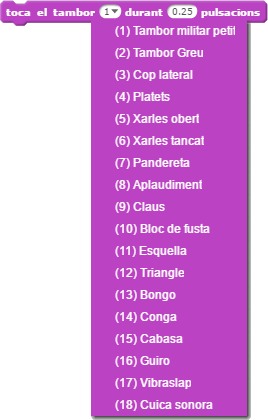
- Add this block and make and play different instruments and different values of beats.
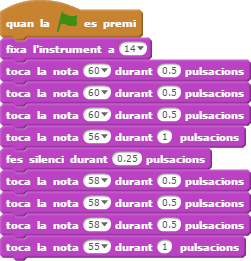
- The blocks set instrument and play note allow us to choose an instrument and the note and beats we want to play:
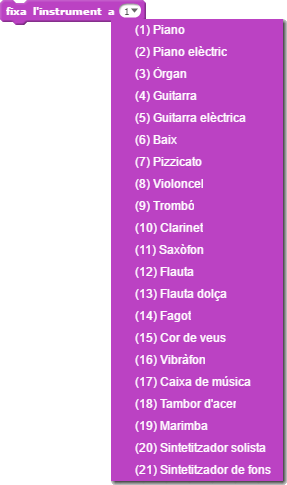
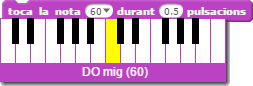
- Add these two blocks and try to create a melody. This is an example:
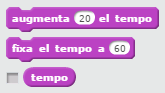
- the blocks related to tempo allow us to change the rhythm os the melody:
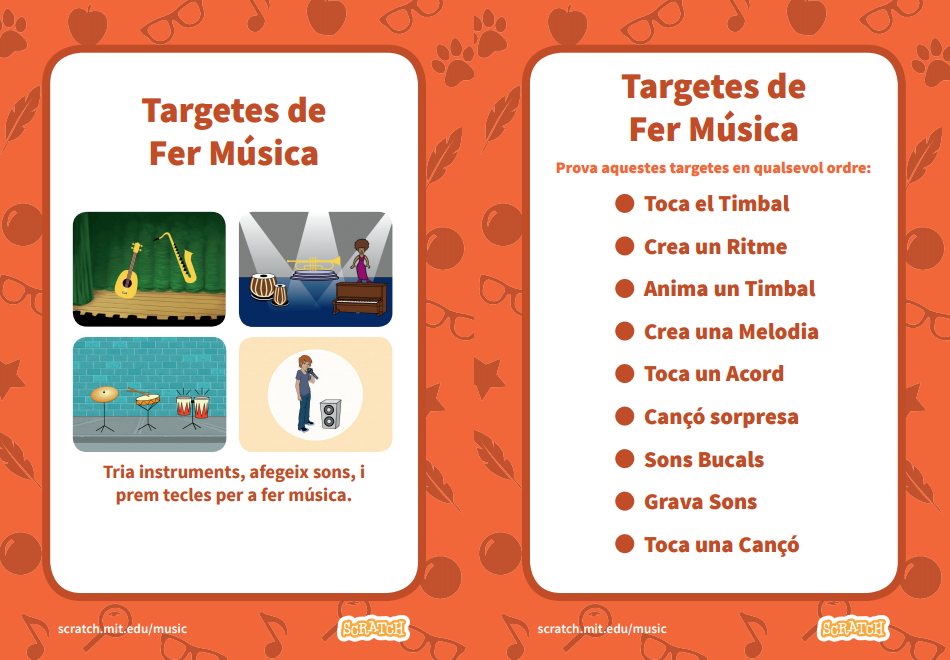
The Scratch’s cards!
Read the information and try to do this activity: